Wicked Island Steam Workshop Presets & Cosmetics
Subscribe to character presets, build blueprints, tattoos, and paintings—no folder copy, no load order.
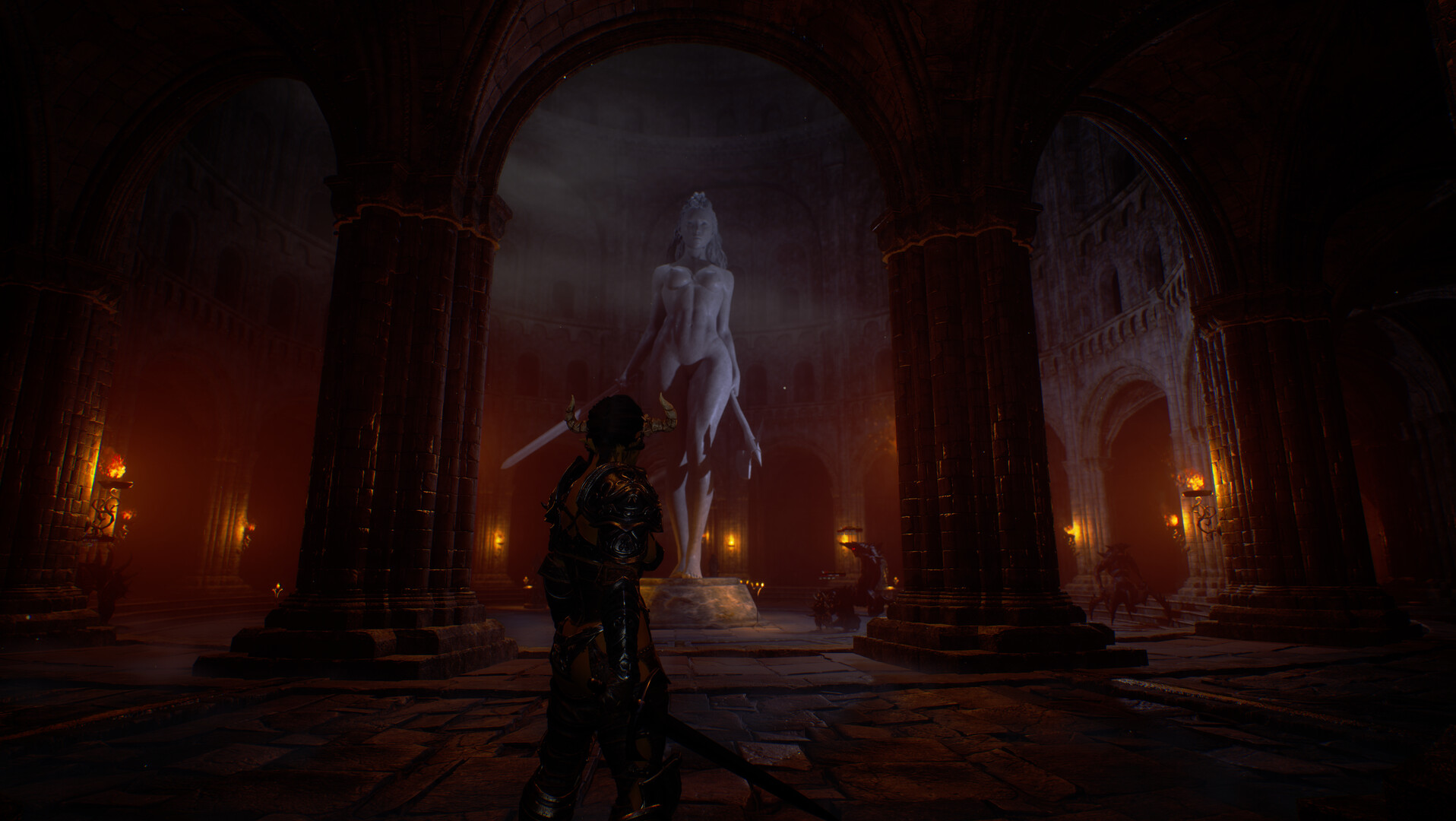
Steam Workshop landed with Wicked Island 1.0 on 17 November 2026, giving solo survivors a clean way to share character looks, base layouts, tattoos, and paintings without digging through AppData folders. This guide covers the four Workshop item types, how subscription works from the main menu, what still lives under manual install paths, and how Workshop content interacts with achievements and crafting.
If you are still learning the beach-to-Graycott loop, finish Getting Started first. Build-focused players should pair this page with Building & Crafting. Full patch context lives in Version 1.0.
What arrived in 1.0
Workshop support shipped as part of the 1.0 launch package—not as a later experimental beta. Day-one players could already subscribe to community items on Steam and pull them into a normal save. The in-game uploader tool was still awaiting Steam approval at launch, so creators sometimes waited to publish while subscribers already had a working download path.
Wicked Island remains a solo game. There is no multiplayer session to sync Workshop packs across friends. Each Steam account downloads its own subscriptions into that player’s local client.
Four Workshop item types
| Type | What it gives you | Where it shows up |
|---|---|---|
| Character presets | Saved appearance / body setups | Character / appearance pickers |
| Build presets | Base and structure blueprints | Building / stamp workflows |
| Tattoos | Extra tattoo designs | Tattoo selection UI |
| Paintings | Decorative painting assets | Painting / decor pickers |
Subscribed items add entries to those lists. They do not overwrite the presets you already created by hand. You can keep a custom face next to a Workshop look and switch between them like any other option.
How to subscribe (player workflow)
- From the main menu, open the Workshop button.
- Browse or search Steam Workshop for Wicked Island items (presets, builds, tattoos, paintings).
- Subscribe on the Steam page for each item you want.
- Let Steam finish downloading. Items then appear inside the normal in-game pickers—you do not paste files into a mods folder for the Workshop path.
- If something is missing after a fresh subscribe, restart the game (and confirm Steam finished the download) before assuming a broken item.
There is no load order to manage and no folder-copy step for Workshop subscriptions. Steam owns the download; the game surfaces the content in the same UI you already use for first-party options.
Manual install still works
Workshop is the supported share path, but manual installs remain valid under:
%LocalAppData%\WickedIsland\Saved
Use that tree when you are testing a local export, recovering a backup, or working with files that are not (yet) published to Workshop. Keep backups outside the live Saved folder before you overwrite anything. Manual and Workshop content can coexist; treat Workshop as the easy subscribe lane and AppData as the power-user lane.
Uploading your own content
At 1.0 launch the uploader side of the pipeline was waiting on Steam approval even though subscribe already worked. If you cannot publish yet, keep polishing character and build presets offline, document materials and snap assumptions for followers, and retry the uploader once Steam clears the tool. Subscribers do not need the uploader—only creators do.
When you do publish build presets, call out approximate piece counts and recommended flatten sites (Graycott edge, Waystone sheds, Serpent’s Perch staging). Dense decorative halls can hitch on mid-range GPUs; a compact survival footprint travels better. Cross-check station placement against Building & Crafting so Workshop bases still leave room for Campfire, Workbench, and later specialist benches.
Achievements and fair play
Workshop presets do not disable achievements. You can chase Steam trophies—including collection and freedom-style goals covered on the Achievements page—while using subscribed cosmetics or base stamps. Workshop is treated as content sharing, not a cheat layer.
That said, Workshop does not invent quest progress, Dragon altar trophies, or Mystery Keys for you. Story and combat milestones still come from play. Use presets to skip tedious re-sculpting or to bootstrap a shelter, then finish the real NPC Quests and exploration loops yourself.
Practical tips for character presets
- Subscribe to a few looks before a new run so character creation is fast.
- Keep one hand-authored preset as a backup if a Workshop update changes a mesh or tattoo slot.
- Tattoo packs only matter once the tattoo UI is unlocked for your character—subscribe early, apply when the picker appears.
- Paintings are decorative; place them after the base shell is weatherproof so you are not hauling art through night raids.
Practical tips for build presets
- Stamp on flattened ground near Graycott or a claimed Waystone.
- Strip unused decorative modules if performance stutters or you hit comfort limits with ~100 first-party pieces plus Workshop extras.
- Store critical mats in a manual chest before replacing an old stamp—Workshop updates can move snap points.
- Pair Workshop halls with your own ore shed near iron or copper routes on the Island Map rather than one mega-castle far from resources.
Troubleshooting checklist
- Steam client online and downloads finished
- Subscribed from the Wicked Island Workshop page (correct AppID)
- Game fully restarted after a large subscribe batch
- Looking in the correct picker (character vs build vs tattoo vs painting)
- Manual backup still present under
%LocalAppData%\WickedIsland\Savedif you mixed workflows - No expectation of multiplayer sync—this is a solo title
If an item never appears after restart, unsubscribe/resubscribe once, verify disk space, then check Steam Workshop comments for a broken upload. Prefer verified collections over abandoned experiments.
How Workshop fits the rest of the wiki
- New players: Getting Started → shelter → optional Workshop stamp.
- Builders: Building & Crafting for Beach → Bronze → Steel → Darksteel stations, then Workshop for layout speed.
- Trophy hunters: Achievements — Workshop stays achievement-safe.
- Patch readers: Version 1.0 for the launch feature list.
- Hub overview: Wiki for the full site map.
Workshop is optional. A hand-built Barnabus shelter still clears a full Dragon unlock run. Use subscriptions when they save time or spark creativity—not as a gate you must pass before exploring Queen’s Refuge.
Frequently Asked Questions
Quick answers to the most common questions.
When did Wicked Island get Steam Workshop?
Workshop support shipped with version 1.0 on 17 November 2026. Subscribe worked on day one; the uploader tool was still awaiting Steam approval at launch.
What can I subscribe to on Workshop?
Four types: character presets, build presets, tattoos, and paintings. Subscribed items appear in the normal in-game pickers.
Do I need a load order or folder copy?
No. Steam downloads Workshop items for you. Use the main menu Workshop button, subscribe, and restart the game if something does not show up.
Will Workshop presets disable achievements?
No. Workshop presets do not disable achievements. You can use cosmetics and build stamps while chasing Steam trophies.
Where is the manual install folder?
Manual content still works under %LocalAppData%\WickedIsland\Saved. Workshop subscriptions are separate from that power-user path.