Wicked Island Settings & Game Setup
New-game rules, adult toggles, graphics presets, day length, and what 1.0 locked or fixed.
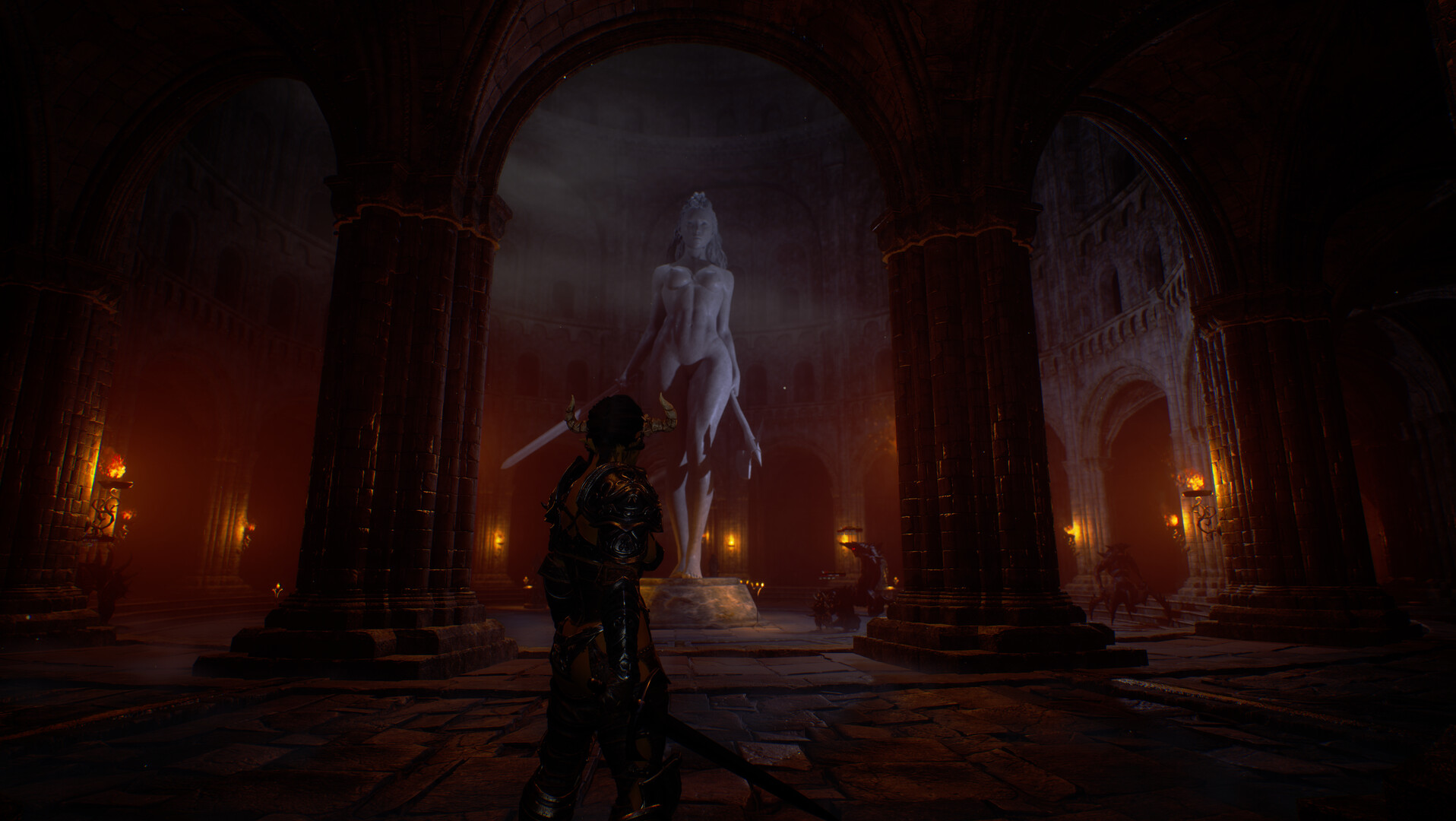
Wicked Island asks you to lock in several rules before the beach spawn finishes loading. This settings and game-setup guide covers the new-game table, which toggles stay editable later, why Enable pregnancy defaults to Off, Version 1.0 graphics fixes (XeSS / DLSS / TSR), a short keybind summary with a link to full Controls, the twelve supported languages, the 20 November Parry Level 30 cap, and where saves live on disk.
Pair this page with Getting Started for the Baelin checklist, Breeding & Nursery for station crafts that ignore pregnancy, and Goddess Temple & Unbound if you plan Velyra’s Devotion stage 3. Hardware targets and Deck notes live under System Requirements and Steam Deck.
New-game settings table (defaults)
Community game-setup pages record these defaults on the create-world screen. Confirm labels in your build—1.0 renamed a few rows—but the intent matches the table below.
| Setting | Default | What it changes |
|---|---|---|
| Survival mode | On | Hunger and sleep pressures; Off removes both |
| Enable defeat sex | Off | Defeat encounters instead of a simple death/respawn |
| Enable pregnancy | Off | Character/beast pregnancy and birth content |
| Enable explicit birth | Off | Full birth presentation instead of a fade |
| Censor adult content | On | Blurs explicit scenes rather than skipping them |
| Enable tutorial | On | Baelin prompts and hint text |
| Drop inventory on death | On | Items fall at the death spot |
| Day duration | 5–60 min | Length of daylight |
| Night duration | 5–60 min | Length of darkness |
| Exp modifier | 1x | Scales experience gain |
| Player damage | 1x | Scales damage you deal |
| Enemy damage | 1x | Scales damage you take |
| Harvest multiplier | 1x | Scales gathered resources |
Leave multipliers at 1x for a first clear unless you already know you want a sandbox pace. Day and night can each stretch from five to sixty minutes—longer days help builders; shorter nights reduce night-pressure farming.
The tutorial toggle was cleaned up in 1.0. Older builds could leave Baelin quests without hint text when the tutorial was disabled; that soft-fail is fixed.
Pregnancy OFF by default (and when you must flip it)
Enable pregnancy ships Off. A save that never touches the toggle will never produce pregnancy content. That is intentional for players who want a pure survival RPG.
Turn pregnancy On (and usually defeat encounters as well) only when you need systems that depend on it:
- Goddess Temple quest Velyra’s Devotion stage 3 requires an Archdemon offspring path—community temple notes state stage 3 needs pregnancy enabled.
- Some breeding-related achievements and Isabell lines (such as A Beastly Legacy / next-generation style goals) expect pregnancy on.
Important split: Breeding Station, Nursery, and Slave Collar crafts still work when pregnancy is off. Station offspring crafting is a separate pipeline from character pregnancy. See Breeding & Nursery for Milking / Breeding / Nursery costs and the post-launch removal of Raise Dragon from the Nursery list.
Document adult systems briefly and mechanically. Leave scene details out of your notes—this wiki stays survival-first.
Locked to the save vs changeable later
Survival mode and the core new-game rule set are locked to the save. If you want hunger/sleep off halfway through a run, you need a new world. Do not expect a mid-campaign flip for survival mode.
Most adult fine-tuning and interface options live in the in-game Settings menu and can be changed at any time after you click Apply—examples recorded by community guides include pregnancy chance and speed, lactation visuals, servant friendly fire, enemy health bars, floating damage text, message history, in-game time, world coordinates, compass, camera shake, and autosave. Adult toggles under Game Setup (defeat / pregnancy / explicit birth / censor) are also adjustable mid-save on current builds; still decide pregnancy early if you care about temple stage 3 so you do not soft-block a devotion run.
Graphics: 1.0 presets, upscalers, and SSS fix
Version 1.0 fixed broken quality presets and shipped working XeSS, DLSS, and TSR paths. Start on the High preset, then change one cost at a time:
- Drop shadows first if frames dip—largest common cost.
- Trim view distance only if pop-in is acceptable for your exploration style.
- Enable XeSS or DLSS at 1440p+; use TSR on older cards.
- Keep the game patched: the 18 November 2026 hotfix fixed a subsurface-scattering red glow bug on skin.
There is no official benchmark scene. Stress-test in Graycott, where NPC density and village geometry are high. Full min/rec hardware tables are on System Requirements; Deck players should follow Steam Deck for Playable expectations and Proton upscaler limits.
Default keybinds (summary)
Wicked Island is keyboard-and-mouse native. Menus never pause combat, so binds matter more than in paused CRPGs.
| Action | Default |
|---|---|
| Move | WASD |
| Interact | E |
| Inventory / Map / Journal | I / M / J |
| Radial | F |
| First person | G |
| Power Attack | Left-CTRL |
| Dodge | Left-ALT |
| Quick Save | F5 |
| Dev / Cheat Menu | Numpad / |
| Hide UI | Numpad 0 |
| Unstuck | Numpad - |
Tenkeyless (TKL) boards lack a numpad—rebind Numpad / (Dev Menu), Numpad 0, and Numpad - before your first night. Full tables, Steam Input notes, and no-pause habits live on Controls. Optional sandbox tools are explained on the Cheats Hub (there are still no redeemable promo codes).
Languages, Parry Level 30, and save path
1.0 ships twelve languages, including Italian and Czech added at launch: English, French, German, Japanese, Polish, Portuguese (Brazil), Russian, Chinese (Simplified), Spanish (Latin America), Turkish, Italian, and Czech. This wiki localizes EN/FR/DE/ES content pages; other languages still work in-client.
The 20 November 2026 hotfix capped the Parry window at Parry Level 30 and raised per-level costs—see Post-1.0 Hotfixes and Combat & Parry if your parry feel suddenly changed after a mid-November patch.
Saves and config live under:
%LocalAppData%\WickedIsland\Saved
Back up that folder before major patches, Dev Menu experiments, or hardware swaps. Cloud sync can restore an older layout after you rebind for a TKL board—re-check Settings after any restore.
Recommended first-save checklist
- Survival On, multipliers 1x, day/night in a range you can finish a Graycott trip in one daylight block.
- Pregnancy Off unless you already plan Goddess Temple stage 3 or breeding achievements.
- Defeat sex Off and censor On for a survival-first HUD.
- Tutorial On for Baelin hint text.
- Graphics High, then shadow drop if needed; enable XeSS/DLSS/TSR after confirming the preset applies.
- Rebind the Numpad trio on TKL; Quick Save (F5) before every portal.
- Bookmark Getting Started, Controls, and Post-1.0 Hotfixes.
Settings are not a one-time splash screen—they are the contract for your entire Queen’s Refuge save. Lock survival mode deliberately, keep pregnancy off until temple or breeding goals demand it, and let 1.0’s graphics stack do the heavy lifting before you touch individual sliders.
Frequently Asked Questions
Quick answers to the most common questions.
Is pregnancy on by default in Wicked Island?
No. Enable pregnancy defaults to Off. Turn it on for Goddess Temple Velyra's Devotion stage 3 (Archdemon offspring) and some breeding achievements; Breeding Station and Nursery crafts still work independently.
Can I change Survival mode mid-save?
No. Survival mode is locked to the save at world creation. Most adult and interface toggles can be changed later in Settings after you Apply.
What graphics settings should I start with after 1.0?
Start on High, drop shadows first if frames dip, then enable XeSS or DLSS (TSR on older cards). The Nov 18 hotfix fixed the SSS red glow bug.
Where are Wicked Island saves stored?
Under %LocalAppData%\WickedIsland\Saved. Back up that folder before major patches or Dev Menu testing.
How many languages does Version 1.0 support?
Twelve, including Italian and Czech added in 1.0. Switch languages in the client; this wiki covers EN, FR, DE, and ES pages.
Why does my parry feel weaker after mid-November patches?
The 20 November hotfix capped Parry Level at 30 and raised per-level costs. Check Post-1.0 Hotfixes and the Combat & Parry guide for retest steps.