Wicked Island PC & Steam Deck System Requirements
Official-style specs, install size, Deck expectations, and 1.0 upscaler performance tips.
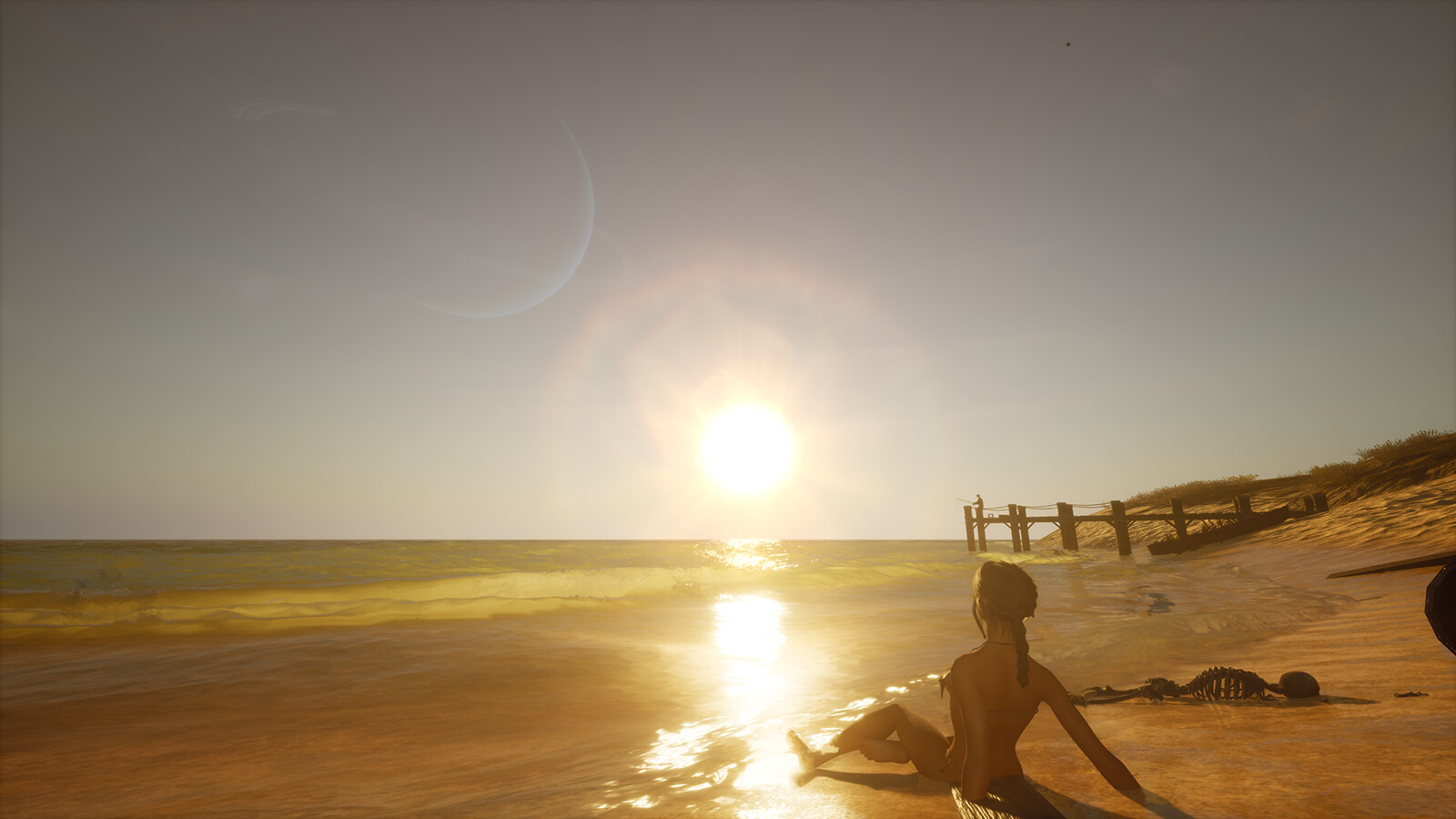
Plan your Wicked Island install with the Version 1.0 (November 17, 2026) hardware targets below. The game is a Windows PC solo survival RPG by RawDarkness on Steam (AppID 1943730) and GOG (DRM-free). It uses DirectX 11, needs on the order of 15 GB disk space, and lists Steam Deck Playable—not a Native verification. Pair this page with the Tools Hub, Version 1.0 notes, and Cheats Hub if you also need Unstuck binds on Deck.
Minimum specifications
| Component | Minimum |
|---|---|
| OS | Windows 10 64-bit |
| API | DirectX 11 |
| CPU | 4-core processor |
| RAM | 8 GB |
| GPU | NVIDIA GeForce RTX 3050 class (or equivalent) |
| Storage | ~15 GB available space |
Minimum means you can boot and play with careful presets. Dense player-built bases, Unbound fights, and Goddess Temple effects may still stutter—use upscalers and FPS caps.
Recommended specifications
| Component | Recommended |
|---|---|
| OS | Windows 10 64-bit (or newer 64-bit Windows) |
| API | DirectX 11 |
| CPU | 8-core processor |
| RAM | 16 GB |
| GPU | NVIDIA GeForce RTX 3060 class (or equivalent) |
| Storage | ~15 GB on SSD preferred |
Recommended targets keep High/Epic presets more comfortable when foliage, servants, and Workshop-decorated homes overlap. If you routinely film with Hide UI (Numpad 0 / rebound), recommended GPU headroom also helps capture cards.
Install size and storefronts
Budget about 15 GB for the core install; leave extra free space for Windows pagefile, shader caches, and Workshop presets on Steam. GOG’s DRM-free build follows the same approximate footprint but does not replace Steam Workshop distribution. itch hosts demo builds historically—useful for a quick look, not a substitute for 1.0 endgame content. Store links live on the Links Hub.
Steam Deck notes
Valve’s Playable rating means the game runs with community effort: expect manual tweaks, possible Proton tips from Deck users, and mandatory rebinds for Numpad / (Dev Menu), Numpad 0 (Hide UI), and Numpad - (Unstuck). Native controller support is limited; community Steam Input layouts help. Thermals and TDP caps matter in temple fights—lower shadows, use XeSS-class upscaling when available under Proton, and cap FPS for consistency.
Practical Deck checklist:
- Install to internal SSD if possible.
- Rebind Interface/Actions keys before leaving the beach (controls).
- Start on a medium preset; raise only after a stable Graycott run.
- Keep a PC backup of
%LocalAppData%\WickedIsland\Savedif you dual-boot or cloud-sync carefully.
Version 1.0 performance features
1.0 explicitly stabilized Intel XeSS, NVIDIA DLSS, and TSR fallback paths. If you upgraded from Early Access and still see soft frames:
- Switch upscaler from legacy TAA-only paths to XeSS or DLSS when your GPU supports them.
- Use TSR as the fallback when vendor upscalers are unavailable.
- After the November 2026 texture-pool hotfix, High/Epic should show fewer blurry stream-in textures—retest before blaming your SSD.
- Disable motion blur and extreme film grain if you need clean parry timing.
- Prefer Windowed Fullscreen for alt-tab stability while following guides in a second window.
Settings tips by hardware class
RTX 3050 / 8 GB RAM (minimum class)
- Preset: Medium.
- Upscaler: Quality or Balanced XeSS/DLSS.
- Cap 40–60 FPS; close overlays you do not need.
- Reduce volumetric fog and crowd-adjacent effects near big bases.
- Avoid spawning mass test entities via Dev Menu on your only save.
RTX 3060 / 16 GB RAM (recommended class)
- Preset: High, sample Epic in open shorelines.
- Upscaler: Quality DLSS/XeSS; native if frames allow.
- Keep servant counts and Workshop decorations reasonable in combat arenas.
- Record with Hide UI only after confirming the rebound key.
Higher-end desktops
- Epic is fine for exploration; still watch CPU spikes in script-heavy settlements.
- Use 1.0’s cleaner marker UI to reduce map clutter overhead.
- Keep one Medium preset profile for troubleshooting after patches (Updates).
Troubleshooting short list
- Stutters after 1.0 — verify upscaler mode, update GPU drivers, confirm the texture-pool hotfix is applied.
- Crashes on landing — post-launch patches addressed some landing crashes; verify game file integrity on Steam/GOG.
- Blurry textures — raise pool via updated build; move install to SSD; lower streaming-heavy extras first.
- HUD vanished — you hit Hide UI; press the rebound key (Cheats Hub).
- Stuck in geometry — Unstuck bind (default Numpad -).
Adult visual options can add cost on weaker GPUs; disable unused toggles if you only care about combat clarity. None of the hardware targets above require adult systems to be enabled.
Related pages
If your machine is under minimum, wait for sales only if you accept Medium presets and upscalers as mandatory—not optional cosmetics.
Frequently Asked Questions
Quick answers to the most common questions.
How much disk space does Wicked Island need?
Plan around 15 GB for the install, plus free room for shader cache and Steam Workshop presets if you use them.
What are the minimum CPU and GPU?
A 4-core CPU, 8 GB RAM, and an RTX 3050-class GPU (or equivalent) under Windows 10 64-bit with DirectX 11.
What is recommended for smoother 1.0 play?
An 8-core CPU, 16 GB RAM, and an RTX 3060-class GPU. SSD installs help streaming and base-heavy scenes.
Does Wicked Island run on Steam Deck?
It is rated Playable. Expect rebinds for Numpad actions, possible Proton tweaks, and medium presets for stable frame times.
Which upscalers should I try first after 1.0?
Use NVIDIA DLSS or Intel XeSS when available, with TSR as fallback. They were a focus of 1.0 performance work.