Wicked Island on Steam Deck
Playable verification tips, rebinds for missing Numpad keys, graphics presets, and Steam Input layouts.
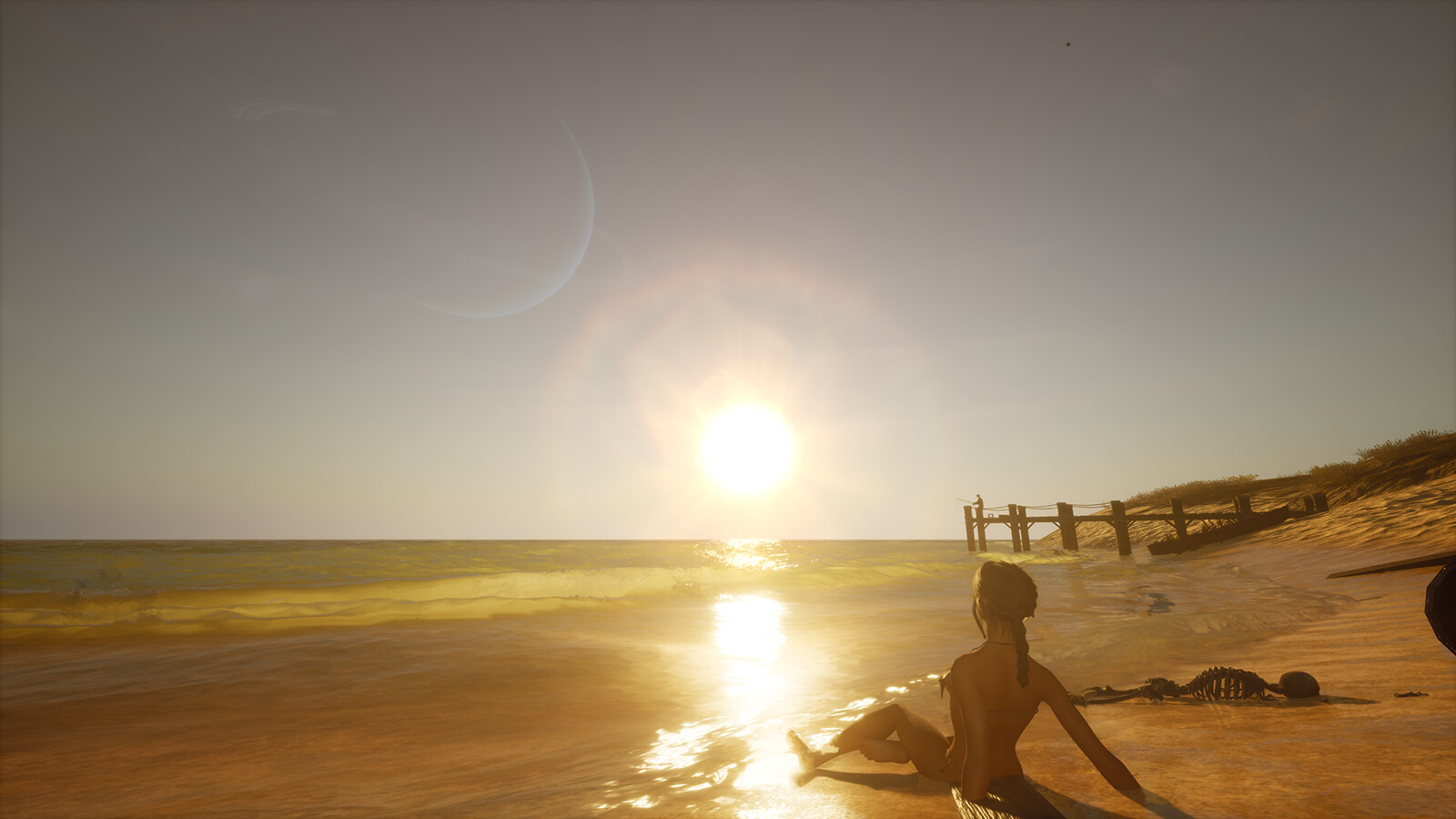
Wicked Island is listed as Playable on Steam Deck—not Native Verified. The game is built primarily for keyboard and mouse on Windows (DirectX 11), so Deck owners should expect manual tweaks: community Steam Input layouts, Numpad rebinds, and conservative graphics. This page collects practical Deck guidance after the 17 November 2026 Version 1.0 release. Pair it with System Requirements for PC min/rec specs and Controls for the full bind list.
Adult content toggles remain optional in Settings; keep them wherever you prefer. Performance tips below assume a survival-focused HUD.
What “Playable” means here
Playable usually implies:
- The game launches and is completable with effort.
- Defaults may need changes (glyphs, on-screen keyboard, or community layouts).
- Frame rate and thermals vary by TDP and upscaler choice.
- You should not expect console-style verification polish.
If a SteamOS update or Proton build regresses boot, check Steam news and ProtonDB community reports, then retest with the latest Proton Experimental or a known-good Proton version.
First-boot checklist on Deck
- Install on internal SSD when possible (~15 GB class install size).
- Set a sane TDP (many players start mid-range and adjust after beach combat).
- Boot once in Desktop Mode if you need easier access to file paths for save backups.
- Open Input Settings immediately—Wicked Island defaults expect a Numpad for Dev Menu (Numpad /), Hide UI (Numpad 0), and Unstuck (Numpad -).
- Apply a community Steam Input layout or manually map those actions to back buttons / unused face combos.
- Confirm Quick Save (F5) and Quick Load (F9) land on reachable chords.
- Only then sail into Baelin’s jetty tasks (Getting Started).
Detailed cheat-key context: Cheats Hub. Never chase fake promo codes—there are none.
Rebinding Numpad keys
Deck has no hardware numpad. Without rebinds you lose quality-of-life and recovery tools mid-fight (menus never pause enemies).
Recommended approach:
- Use in-game Input Settings to move Dev Menu, Hide UI, and Unstuck onto keys Steam Input can hold.
- Or download a highly rated community Steam Input profile that already maps those actions to rear paddles / long-presses.
- Test Unstuck in a safe rock gap before exploring Hollow Tunnels or Goddess Temple approaches.
- After November hotfixes that touched combat target lock (22 November 2026), retest target cycling on your layout (Post-1.0 Hotfixes).
Write your final layout down; swapping community profiles later is easier when you know which chords mattered.
Manual graphics on Deck
1.0 stabilized Intel XeSS, NVIDIA DLSS, and TSR fallbacks on PC. Deck hardware will not use desktop NVIDIA DLSS the same way—lean on whatever upscaler / temporal option your Proton + driver stack exposes, plus manual preset cuts.
Practical Deck graphics habits:
- Start on a lower preset; raise shadows and view distance last.
- Prefer a stable frame-time over max settings in dense player bases or temple FX.
- After the 18–20 November texture-pool / blurry-texture fixes, retest High-equivalent pools carefully—Deck RAM is shared.
- Cap FPS to a number your TDP can hold outdoors and in Graycott interiors.
- Disable unused filmic / motion blur options if parries feel muddy (parry windows cap at Parry Level 30 after Nov 20—clarity matters).
Full PC tables: System Requirements.
Steam Input tips
- Search community layouts for “Wicked Island” and sort by recent thumbs-up after 1.0.
- Prefer layouts that document Numpad equivalents in the description.
- Keep a desktop mouse+keyboard dock option for character creation and complex Workshop building sessions (~100 build pieces in 1.0).
- Gyro aiming is optional; many survivors play stick-aim with lower sensitivity for parry timing.
Gameplay systems that still matter on Deck
Handheld does not change progression gates:
- Rush Bronze → Steel armor and the Rune Blade spike before hard caves.
- Use Island Map routes for ores and dungeons.
- Farm Unbound rares for 3× EXP when Level 30+ ready (Goddess Temple & Unbound).
- Strip armor/clothing correctly for Goddess Temple (masks OK after Nov 18).
- Tames use Bonding Ritual—not Nursery Raise Dragon (removed Nov 18); see Taming & Servants.
Save backups on Deck
Before Goddess Temple attempts, Workshop spam, or Dev Menu experiments:
- Copy the Wicked Island Saved folder from its Proton prefix / compatible path to a dated backup on SD card or cloud.
- EA → 1.0 carry-over is supported, but Deck users still lose hours when a prefix is reset casually.
Related reading
Expect Playable effort, not couch-console autopilot. Rebind Numpad actions on day one, lock a stable upscaler preset, and keep a mouse dock nearby for building—then the Deck becomes a legitimate way to clear Queen’s Refuge and the Goddess Temple at your own pace.
Frequently Asked Questions
Quick answers to the most common questions.
Is Wicked Island Verified on Steam Deck?
It is listed as Playable, not Native Verified. Expect manual graphics tweaks and community Steam Input layouts for missing Numpad keys.
Which keys must I rebind on Deck?
At minimum map Dev Menu (default Numpad /), Hide UI (Numpad 0), and Unstuck (Numpad -), plus comfortable Quick Save/Load chords. See the Controls guide and Cheats Hub.
Can I use DLSS on Steam Deck?
Desktop NVIDIA DLSS is not a Deck native path. Use whatever upscaler or temporal option your Proton stack exposes, cut presets manually, and prioritize stable frame times.
Should I build bases on the Deck controls alone?
Simple shelters are fine on sticks. For dense Workshop builds (~100 pieces in 1.0), a mouse and keyboard dock is much faster.
Do November 2026 hotfixes matter on Deck?
Yes. Temple entrance, texture pool, combat target lock, and parry cap changes apply on every platform build. Update, then retest your Steam Input target binds.