Wicked Island Controls & Keybinds
Native KBM layout, Numpad utilities, TKL rebinds, and surviving the no-pause UI.
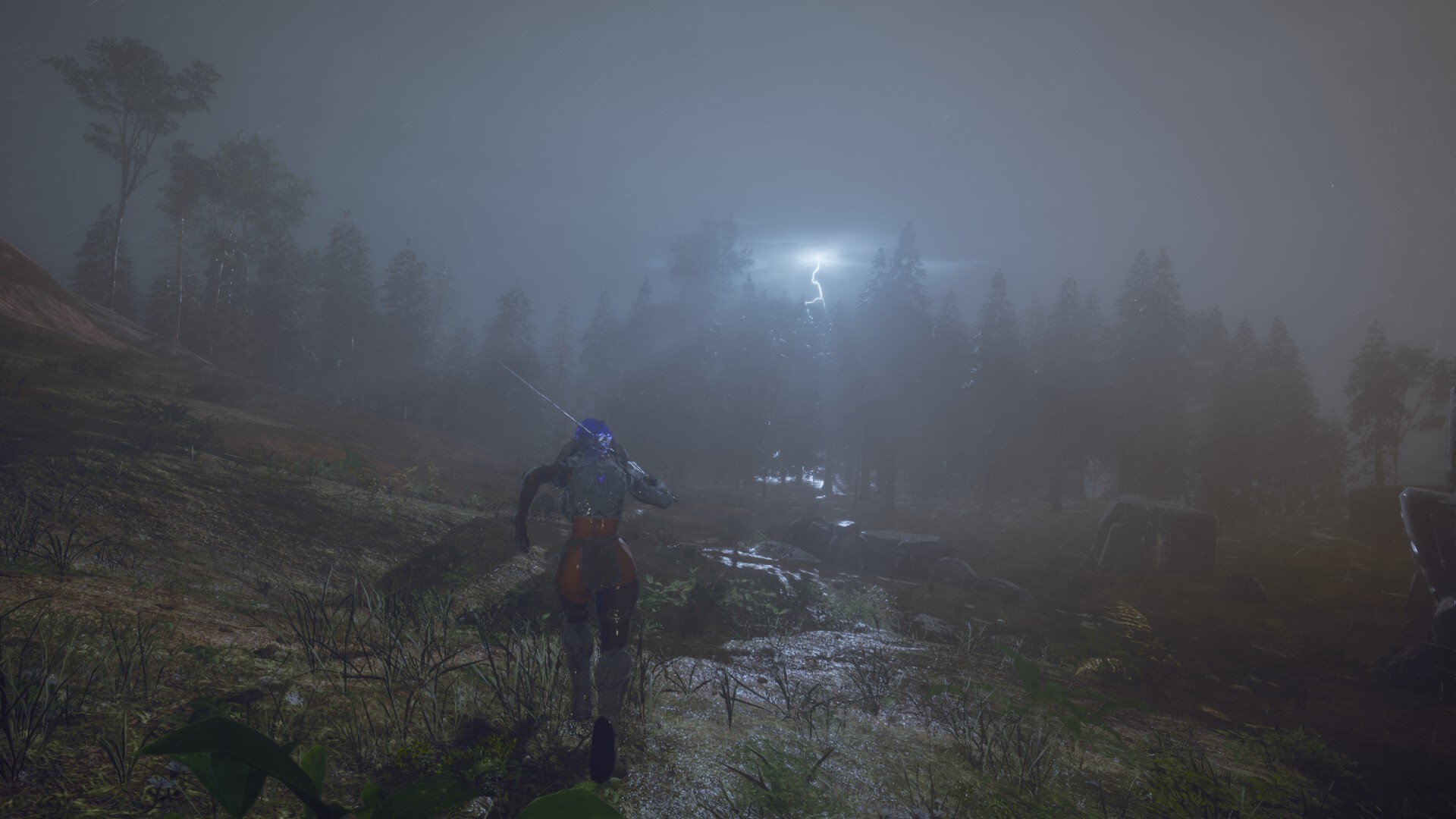
Wicked Island ships with native keyboard and mouse controls. There is no built-in full pause when you open inventory, map, journal, or dialogue—enemies keep moving and attacking. This page lists the default binds, the Numpad utility cluster, TKL rebind advice, Steam Deck notes, and habits that keep you alive while menus stay live.
Pair this reference with the Getting Started beach checklist so you rebind before Baelin sends you inland.
Default movement and camera
| Action | Default | Notes |
|---|---|---|
| Move | WASD | Standard FPS/RPG layout |
| Look / camera | Mouse | Sensitivity in Settings |
| Jump / climb assist | Space (typical) | Confirm in-game if rebound |
| Sprint | Shift (typical) | Stamina-gated outdoors |
| Toggle first-person view | G | Useful in tight caves and bases |
| Interact / talk / loot | E | Hold or tap per prompt |
Always verify binds after a major patch; 1.0 may rename labels slightly, but the core letters above are the community baseline.
Inventory, map, and meta UI
| Action | Default | Survival tip |
|---|---|---|
| Inventory | I | Clear a safe angle before opening |
| Map | M | Mark caves and Waystones mid-travel |
| Journal / quests | J | Check Baelin and Aeron steps offline of combat |
| Radial menu | F | Quick consumables and tools |
| Quick Save | F5 | Spam before portals, night runs, boss doors |
| Hide UI | Numpad 0 | Screenshots and clean flight cams |
| Cheat / Dev Menu | Numpad / | Optional debug/cheats—not required for 1.0 |
| Unstuck | Numpad - | Geometry traps and cliff snags |
Because menus never pause combat, open I / M / J only after a dodge window or behind cover. Quick Save (F5) is your real “pause substitute.”
Combat binds
| Action | Default | Notes |
|---|---|---|
| Light attack | Left mouse | Starter Spear and swords |
| Power Attack | Left-CTRL | Higher commit, watch stamina |
| Dodge / evade | Left-ALT | Same key later used for dragon flight engage |
| Block / aim (if available) | Right mouse | Weapon-dependent |
| Interact during mounts | E / Q | Dragon: E ascend, Q descend |
Power Attack (Left-CTRL) and Dodge (Left-ALT) sit next to movement modifiers—practice the chord on beach scavengers before Graycott dungeon pulls. When you unlock the Dragon, flight reuses Left-ALT to engage aerial mode with E up and Q down; details in Dragon Mount.
Numpad utilities and TKL keyboards
Three high-value tools live on the Numpad by default:
- Numpad / — Cheat Menu (Dev). Useful for testing builds; avoid spoiling your first blind run if you care about discovery.
- Numpad 0 — Hide UI for screenshots, recording, or clean exploration.
- Numpad - — Unstuck when collision or terrain traps you.
Tenkeyless (TKL) and 65% boards often lack a Numpad. Before your first night cycle:
- Open Settings → Keybinds.
- Move Cheat Menu, Hide UI, and Unstuck to free keys (examples:
\,],-, or chorded side mouse buttons). - Confirm the new binds on the beach with no enemies nearby.
- Write the new layout on a sticky note until muscle memory sticks.
If you share a machine with a full-size keyboard, keep a “TKL profile” and a “full profile” mentally—Steam Cloud settings usually sync one layout, so double-check after hardware swaps.
No-pause UI survival habits
- Pre-aim your exit: Face a clear path before opening inventory so a wolf pack cannot pin you against a rock.
- Radial first: Prefer F radial consumables over full inventory when a fight is still hot.
- Dialogue is live: NPC talk with Baelin, Agatha, or the Stranger does not freeze world AI. Clear the area or Quick Save first.
- Chest peeks: Mystery Key chests and tower loot screens are still live combat—clear rooms first (Rune Blade).
- Map glances: Open M on high ground or inside a cleared hut, not mid-sprint through Black Veil.
Steam Deck and controller notes
Wicked Island is KBM-native. Community Steam Input profiles exist for pads and Steam Deck, but expect to:
- Import a highly rated community layout from Steam’s controller overlay.
- Map Dodge and Power Attack to bumpers/triggers you can hit reliably.
- Put Unstuck and Hide UI on a back-grip or long-press chord because Deck has no Numpad.
- Lower camera sensitivity slightly for gyro-assisted look if you use it.
- Test flight controls after the Dragon unlock—aerial E / Q equivalents need clear face-button homes.
Performance targets published for PC (roughly RTX 3050 minimum / 3060 recommended, DX11, ~15 GB) still apply when Docked; handheld users should drop shadows and view distance before Serpent’s Perch fights.
Accessibility and optional settings
- Remap any bind that fights your hand size; there is no score penalty for custom layouts.
- Adult content toggles are optional and separate from keybinds—adjust them in Settings without changing combat inputs.
- First-person toggle (G) helps players who get motion-sick in third-person during cave crawls such as Whistling Cave or Hollow Tunnels (Island Map).
Practice route (10 minutes)
- On the beach, rebind Numpad trio if needed.
- Attack driftwood or weak scavengers with light → Power Attack (Left-CTRL) → Dodge (Left-ALT).
- Open Inventory (I) mid-fight once to feel the no-pause pressure, then Quick Save (F5).
- Toggle Hide UI (Numpad 0 or your rebind) and first-person (G).
- Open Journal (J) to confirm Baelin quest tracking, then continue Getting Started.
Master these binds before chasing Unbound 3× EXP packs or Archdemon trophy runs. Bad key placement kills more early characters than missing Bronze armor.
For the full guide index, return to the Guides Hub.
Frequently Asked Questions
Quick answers to the most common questions.
Does Wicked Island pause when I open the inventory?
No. Menus never pause combat. Clear space, use the radial (F), and Quick Save (F5) before long inventory sessions.
What do Numpad /, Numpad 0, and Numpad - do?
Numpad / opens the Cheat Menu, Numpad 0 hides the UI, and Numpad - unsticks your character. Rebind all three on TKL keyboards.
How do I toggle first-person view?
Press G to toggle first-person. It helps in caves, bases, and tight dungeon corridors.
What are the default dodge and power attack keys?
Dodge is Left-ALT and Power Attack is Left-CTRL. Dragon flight later reuses Left-ALT with E up and Q down.
Does Wicked Island support Steam Deck natively?
It is KBM-native. Use community Steam Input profiles on Deck, and remap Numpad utilities to grips or long-press chords.